Blogging, but in 3D
Hey hey! This will be a quick one. My most devoted readers will notice a new link in the site header, “Make it 3D”. Go on, click it! I’ll wait.
…okay, you clicked it and messed around, right? You probably lost a good two hours playing around with it, right?
Maybe I’m a simpleton, but I get a real blast out of dinky 3D stuff you can do in browser, so I thought it’d be neat to make a different way to browse the pages. I had fun making some examples in my procedural generation post using three.js, which led to try this.
How it’s made
In case it wasn’t clear, it’s about 97% vibecoded, and the remaining 3% is me tweaking things. I’m pretty wobbly on JS and know next to nothing about three.js. I can parse most of the code it wrote, but occasionally there are bits where I’m flying blind and basically have to let LLM Jesus take the wheel. I’ll highlight a couple notable parts.
I wanted the text to look 3D. In fact, it actually is 3D! It uses the TextGeometry three.js class. This makes it reflect the lighting source a nice way, which you can see when you’re at the given post and the text is wobbling back and forth – the color and lighting changes:
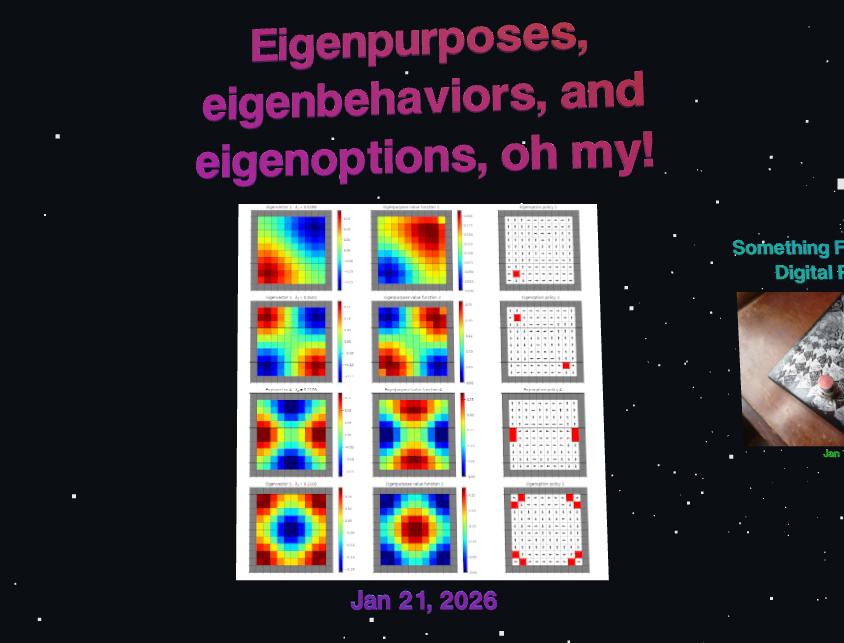
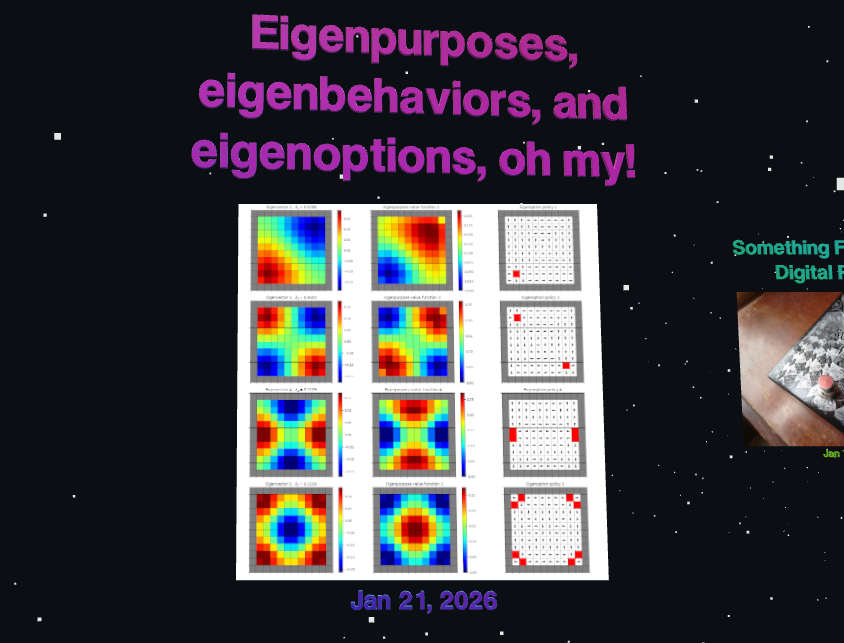
However, part of how this is done requires using shaders, which I’m only dimly familiar with. The LLM nails it, but it’s effectively writing some real opaque… WebGL? (I’m not even sure) code, in string format:
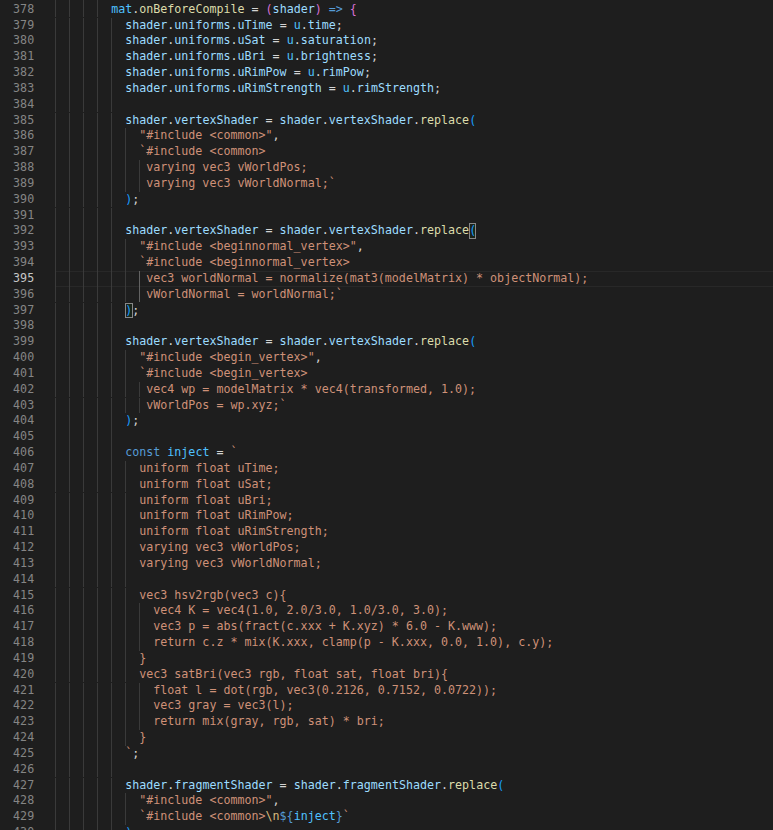
Yeah, I don’t wanna have to edit that 😬 I suspect it’s not doing it in the most efficient way, given the magic people are able to do with waaay more complex shaders, but here we are.
Another issue was how and when to actually load the posts. In earlier iterations, it loaded all of them up front, but between the title shaders and the images, it was kind of clunky and slow. Maybe there’s a smarter way to do this, but it’s loading the image thumbnails as the texture for a plane geometry using TextureLoader here.
It can load 10 of them pretty dang fast, so what I did is have it load the first 10. Then, if you scroll a bit further, it loads more as you get closer to the end.
How does it actually get the posts to display? Again, lots of ways. But I didn’t want to have to make the three.js part also collect posts from the site somehow. It was way easier to just make a python script that runs through everything in my _posts/ dir and dumps the relevant info into a json file that the three.js script reads.
Then, since I already have some git pre-commit hooks that run whenever I push to update the site (that do stuff like resize thumbnails, make sure links have the correct format, etc), I can just add the python script to those hooks. So, whenever I make a new post (like this one!), it’ll update that json to have the latest posts.
Adieu
It’s still rough around the edges for sure, so if you see anything that’s working really badly, please let me know. I’ll also definitely be making some other versions of this in the future… so wait for those!
Anyway, that’s pretty much all. I told you it was quick! Now, get back to your endless scroll through blogspace.